
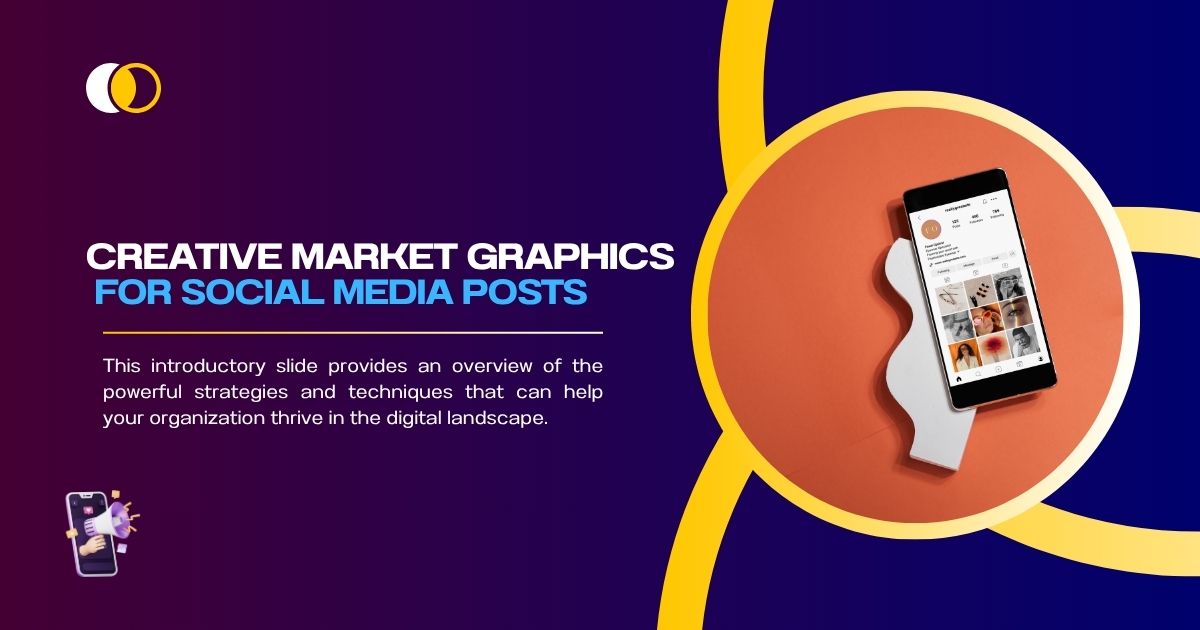
Your social media presence can make or break your brand. Whether you’re a small business owner, a content creator, or a marketer, high-quality visuals are essential for drawing in your audience and keeping them engaged. Yet, many struggle to find the time or skill required to create eye-catching designs.
Enter Creative Market, a treasure trove of professional-grade graphics and templates that can transform your social media content. This blog will guide you through how to use Creative Market graphics efficiently to elevate your social media game.
By the end of this guide, you’ll know how to:
- Choose the right graphics for your brand
- Customize the designs for maximum impact
- Save time without compromising quality
The Basics of Creative Market Graphics
Creative Market is a digital platform filled with design assets created by independent designers. From customizable templates to unique fonts, it’s an ideal resource for anyone looking to create visually appealing social posts without hiring a designer or starting from scratch.
Here’s a quick rundown of what you can find:
- Social Media Templates for platforms like Instagram, Facebook, and Pinterest.
- Stock Photos with rights for commercial use.
- Icons and Illustrations to bring your posts to life.
- Fonts and Typography to create unique branded visuals.
The beauty of Creative Market lies in its simplicity and variety. You don’t need advanced design skills to enhance your social media posts, thanks to its easy-to-edit templates and assets.
Benefits of Using Creative Market for Social Media

Why choose Creative Market for your social media posts? Here are just a few reasons:
Time Efficiency
You no longer have to create graphics from scratch. With pre-designed templates, half the work is already done for you.
Customization
Unlike generic design platforms, Creative Market allows for deeper customization. You can tweak files in software like Adobe Photoshop, Illustrator, or Canva, ensuring your graphics align perfectly with your brand.
Professional Quality
The platform hosts thousands of experienced designers, guaranteeing high-quality and unique visuals. This can help your brand stand out in today’s saturated social media landscape.
Cost-Effective Solution
Hiring a full-time designer or agency can be expensive. Creative Market provides access to professional-grade designs for a fraction of the cost.
Rights for Commercial Use
Most assets come with licenses for commercial use, giving you peace of mind when using them for business promotions.
Exploring Top 10 Graphics Categories Dominating Creative Market
How to Choose the Best Creative Market Graphics for Your Brand
Not all graphics are created equal, so it’s essential to pick the ones that not only look great but also work seamlessly with your brand’s identity. Here are some pointers.
Identify Your Brand Aesthetic
Before downloading templates or graphics, have a clear understanding of your brand’s visual identity. Are you aiming for a modern, minimalistic style, or something bold and colorful? Knowing your brand’s aesthetic will ensure consistency across all posts.
Match Content Types with Templates
Creative Market offers a variety of templates designed for different types of social media content. For example:
- Instagram Stories: Use vertical templates with engaging transitions for promotions or announcements.
- Facebook Cover Photos: Opt for wide designs that communicate your message clearly.
- Carousel Templates: Ideal for educational content or step-by-step guides.
Search for template sets labeled for your specific platform to save time.
Look for Editable Options
Before purchasing, check whether the file format matches your editing tool of choice. For instance:
- Adobe Photoshop files (PSD) offer the most flexibility for advanced customization.
- Canva-ready templates are perfect for beginners and quick edits.
Consider Ratings and Reviews
Don’t skip the reviews section! Learn from other users who’ve downloaded the asset to ensure you’re getting a design that’s both practical and high-quality.
How to Customize Creative Market Graphics for Social Media
One of the most valuable aspects of Creative Market assets is their adaptability. Here’s how to tailor them for your specific needs.
Step 1 Open the File in an Editing Tool
Depending on the format, you’ll need compatible software. For a beginner-friendly option, consider Canva templates compatible with Creative Market assets.
Step 2 Adjust Colors to Match Your Brand
Your brand colors are a key element of your identity. Simply replace the template’s default colors with your palette to maintain consistency across all posts.
How to find your brand colors quickly:
- Use your brand’s style guide.
- If unavailable, a tool like Coolors can generate matching hues for you.
Step 3 Update Placeholder Text
Replace the placeholder text with relevant messaging for your campaign. Simplicity is key here; aim for clear and concise headlines that grab attention quickly.
Step 4 Swap in Your Images
Many templates include placeholder photo sections. Replace these with images that resonate with your audience. You can use:
- Your own branded content.
- Stock photos available from Creative Market.
Step 5 Add or Remove Elements
Need to tweak a layout? Most Creative Market files make it easy to add, edit, or remove design elements. For example, you can:
- Add your company logo for branding.
- Remove unnecessary icons or objects that feel cluttered.
Step 6 Test Your Design on Multiple Platforms
Before publishing, preview your content on desktop and mobile. This will show you how your designs look across different devices and ensure they scale properly.
Creative Market Graphics Tips for Specific Platforms
Each social media platform has its unique visual format and audience expectations. Here’s how to optimize your Creative Market graphics for the most popular platforms.
- Use high-quality visuals with 1080 x 1080px resolution for posts.
- For Instagram Stories, stick to a 1080 x 1920px vertical format.
- Keep the design bold and simple since people only spend seconds looking at posts.
- Take advantage of Facebook’s larger canvas size for cover photos (851 x 315px).
- Pay attention to responsive cropping for profile pictures and post images.
- Use long vertical layouts (1000 x 1500px) to dominate Pinterest feeds.
- Highlight clear step-by-step visuals or tutorials.
- Prioritize professionalism for this platform. Opt for clean, straightforward designs.
- Recommended sizes include 1200 x 628px for shared posts.
- Ensure your designs are optimized for a 1600 x 900px resolution.
- Use space wisely by keeping text minimal to maintain clarity.
Unlock Creative Freedom with Creative Market
By leveraging Creative Market graphics for your social media, designing posts become less of a chore and more of a creative outlet. With top-notch templates, easy customization, and professional visuals at your fingertips, you have everything you need to captivate your audience and leave a lasting impression.
Why not take that first step today? Explore Creative Market’s vast collection of social media assets and transform the way your brand communicates online.
Happy designing!