
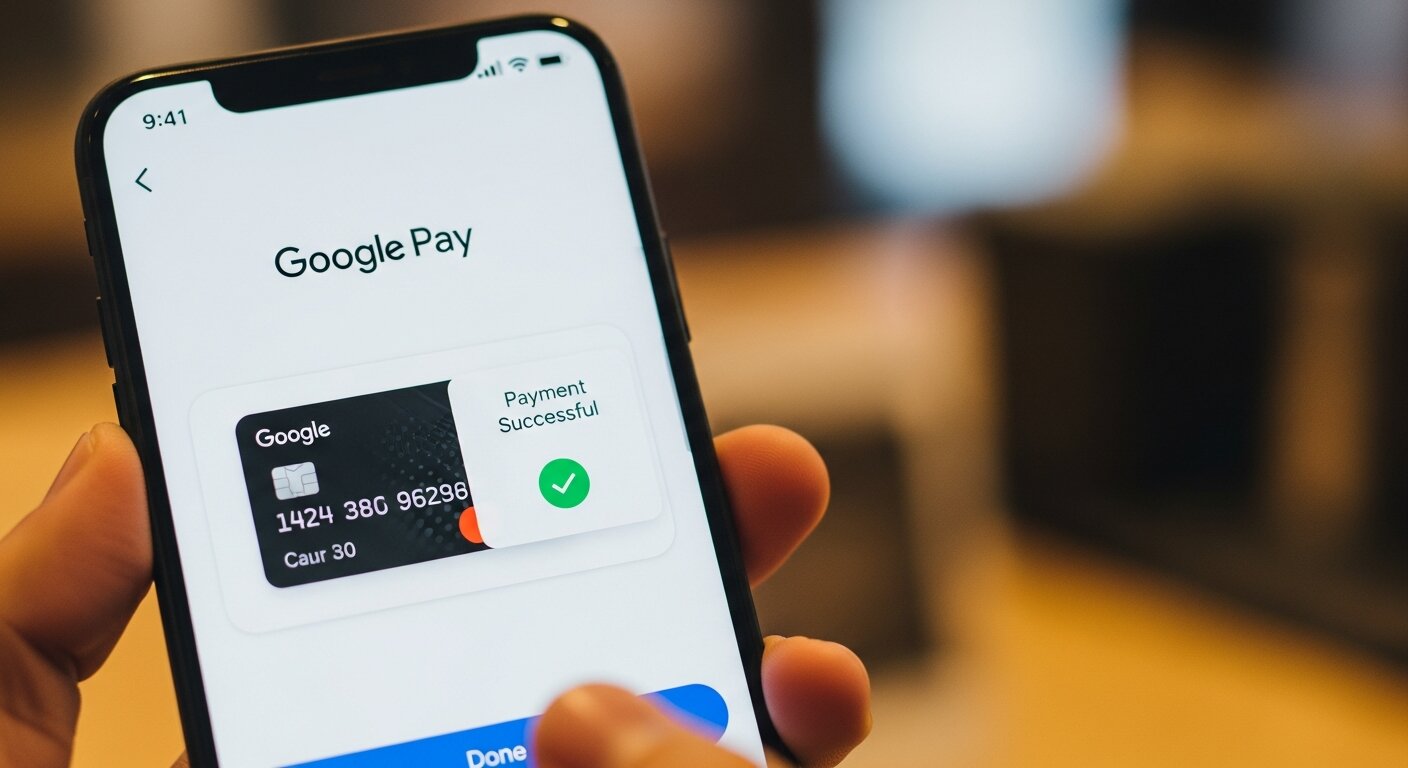
This guide explores how Google Pay works in Bangladesh, compares it to local giants like bKash, and details its newest features. Discover expert tips, avoid common mistakes, and learn how to use digital wallets safely to upgrade your daily financial life.
The Dawn of Google Pay in Bangladesh
For many years, consumers in the region relied heavily on cash and traditional banking systems. The sudden entry of Google Pay into the local market represents a massive leap forward. Recently, City Bank made headlines by becoming the first financial institution to allow its customers to use Google Pay at contactless POS terminals across the country. This milestone bridges a significant gap between local banking infrastructure and global technology standards.
When we talk about Google Pay, we are talking about a platform that fundamentally changes how you interact with your money. By simply adding an eligible Visa or Mastercard to your Android smartphone, you completely remove the need to carry physical plastic cards. This entry not only diversifies the landscape of Bangladesh payment methods but also introduces advanced security layers. When you use Google Pay to check out, the merchant never sees your actual credit card number. Instead, the system uses a unique digital token.
The launch of Google Pay serves as a catalyst for other banks to upgrade their systems. Consumers demand convenience. As people experience the speed of Google Pay, they will expect similar functionality from all their financial providers. The introduction of Google Pay is not just a new app; it is a turning point for digital financial inclusion across the country.
Key Features and Benefits of Google Pay
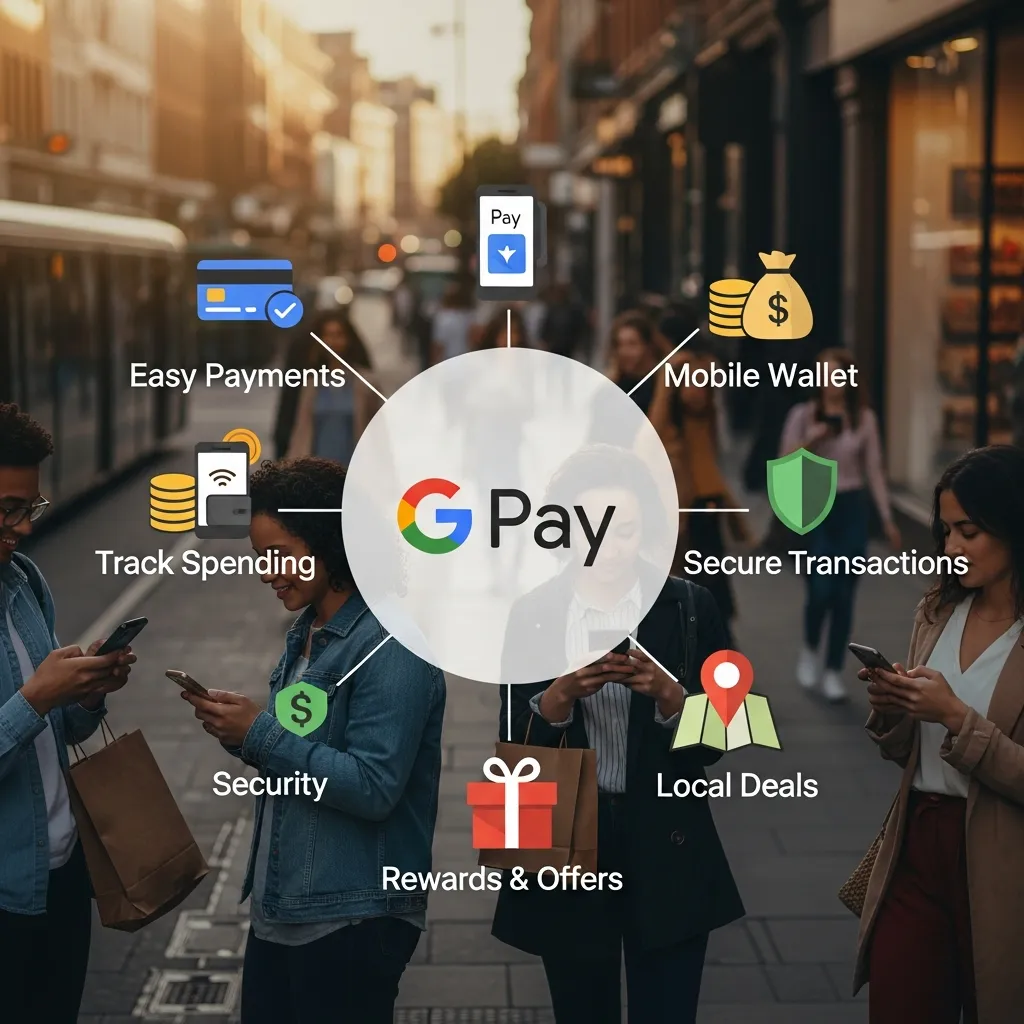
Adopting Google Pay brings several high-level benefits to everyday users and merchants alike. Here is why making the switch to Google Pay makes perfect sense for your daily financial needs:
- Tap-to-Pay Convenience: Utilizing NFC payments, users simply unlock their Android phones and tap them against a supported terminal. Google Pay makes the checkout process take seconds.
- Bank-Grade Security: With Google Pay, biometric authentication (like your fingerprint or face scan) and dynamic encryption ensure that unauthorized access becomes nearly impossible.
- Seamless App Integration: Google Pay works flawlessly across the entire Google ecosystem. This integration makes online checkouts on participating websites faster and more reliable.
- Zero Additional Fees: Using Google Pay for your retail transactions does not incur extra charges from the platform itself. You only pay for what you buy.
- Digital Receipts: Every time you use Google Pay, the app stores a detailed digital receipt. This helps you track your spending habits easily.
- Multi-Card Management: Google Pay allows you to store multiple debit and credit cards in one place. You can choose your preferred card for each specific transaction effortlessly.
These features make Google Pay an incredibly attractive option for anyone looking to streamline their wallet. By adopting Google Pay, you protect your physical cards from theft, loss, and skimming devices often found at traditional ATMs or older payment terminals.
Google Pay vs. Local Competitors: bKash and Nagad
Bangladesh already boasts a highly robust mobile financial network. To understand the shifting landscape, we must look at how Google Pay stacks up against local heavyweights like bKash and Nagad. Both bKash and Nagad have revolutionized rural banking, but Google Pay serves a different, highly complementary purpose.
Structured Comparison
|
Feature |
Google Pay |
bKash |
Nagad |
|---|---|---|---|
|
Primary Technology |
NFC payments & Tokenization |
USSD & QR Codes |
USSD & QR Codes |
|
Funding Source |
Linked Bank Cards (Visa/Mastercard) |
Mobile Wallet Balance |
Mobile Wallet Balance |
|
International Use |
Yes (wherever accepted globally) |
No (restricted locally) |
No (restricted locally) |
|
Offline Payments |
Limited (requires periodic token refresh) |
Yes (via USSD codes) |
Yes (via USSD codes) |
|
Target Audience |
Smartphone users with active bank cards |
Mass market, unbanked |
Mass market, unbanked |
|
Peer-to-Peer |
Not fully supported locally yet |
Core feature |
Core feature |
|
Bill Pay |
Limited locally |
Extensive partnerships |
Extensive partnerships |
While bKash and Nagad completely dominate peer-to-peer transfers, utility bill payments, and cash-out services, Google Pay targets the rapidly growing middle class. This demographic frequently uses credit and debit cards for retail shopping, dining, and online purchases. Google Pay provides a frictionless experience at the supermarket checkout counter, whereas QR-based digital wallets often require you to open an app, scan a code, and manually type in the amount. Google Pay simplifies this to a single tap.
Recent Updates and Redesigns of Google Wallet
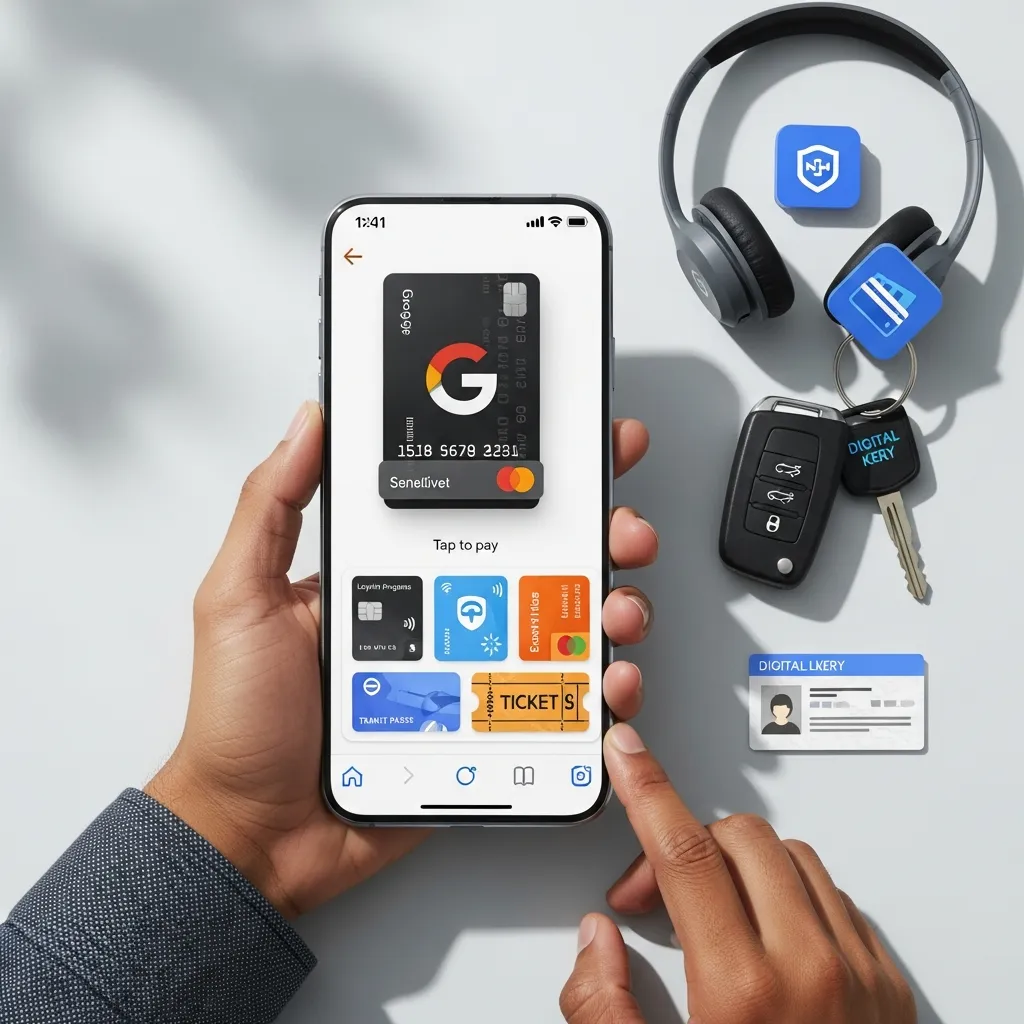
With the major software updates arriving in 2026, managing digital wallets has never been more intuitive. The Google Wallet interface underwent a massive transformation to solve user complaints about visual clutter and slow navigation. Because Google Pay operates through the Google Wallet app, these changes directly impact how you use the service daily.
Instead of an endless vertical scroll of cards, Google Pay now displays your passes and payment methods as neat, compact squares. Users can star their favorite cards within Google Pay, bringing them to the very top of the home screen for instant access. This means when you are standing in a busy line, Google Pay is ready the moment you unlock your phone.
Additionally, the new search function within the Google Pay environment allows you to quickly dig through past transactions across all your linked cards. If you bought supplies at a hardware store but cannot remember which card you used, a quick search in Google Pay reveals the exact date, amount, and funding source. This redesign greatly enhances the user experience, making Google Pay much faster and more enjoyable to use.
Challenges and Opportunities for Google Pay in Bangladesh
Expanding into a developing market comes with distinct hurdles. The biggest challenge for Google Pay in Bangladesh is hardware infrastructure. Not all merchants possess NFC-enabled point-of-sale machines. A large portion of the population still relies heavily on cash or basic feature phones, which simply cannot run advanced payment applications like Google Pay. Furthermore, educating the public on how NFC payments actually work remains a significant hurdle for Google Pay adoption.
However, the opportunities for Google Pay are massive. As smartphone penetration deepens and more local banks upgrade their point-of-sale infrastructure, the adoption rate for Google Pay will skyrocket. Google Pay also has the potential to integrate deeper with mobile financial services, eventually allowing users to link their local mobile wallet balances directly to the app.
Another massive opportunity for Google Pay lies in international travel. Bangladeshi citizens traveling abroad can use Google Pay at millions of terminals worldwide without needing to carry foreign currency or physical cards. This global interoperability makes Google Pay an essential tool for frequent travelers.
Common Mistakes Users Make with Digital Payments
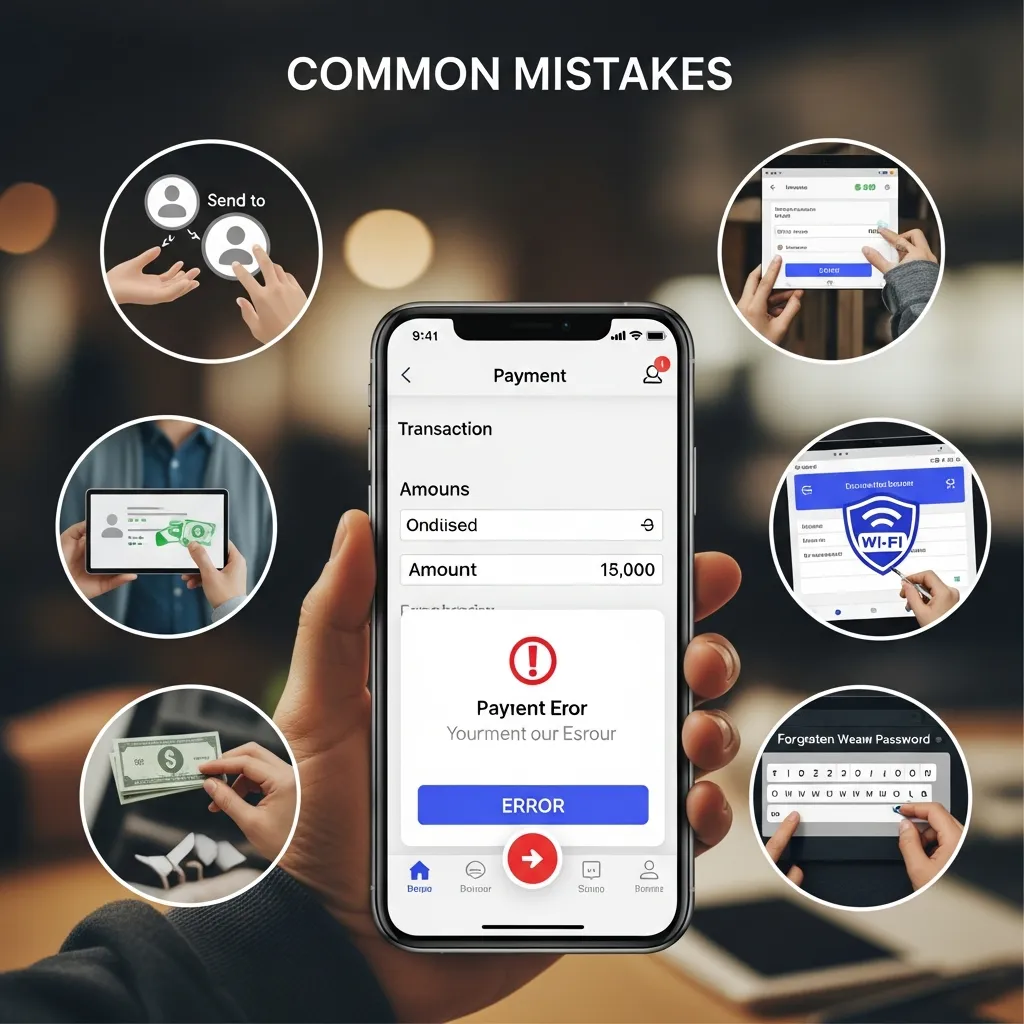
Even highly experienced technology users sometimes stumble when adopting new financial tools. Avoid these frequent errors to keep your money safe while using Google Pay:
- Ignoring Device Security: Failing to set up a strong screen lock, PIN, or biometric login leaves your Google Pay linked cards highly vulnerable if your phone is lost or stolen.
- Using Public Wi-Fi for Setup: Never add new bank cards to Google Pay while connected to unsecured public internet networks. Always use your secure mobile data or a trusted home network.
- Forgetting to Update the App: Running outdated software exposes you to security vulnerabilities. Always keep Google Pay updated to the latest version to benefit from crucial security patches.
- Not Checking Terminal Compatibility: Always look for the universal contactless symbol at the checkout counter before attempting to use Google Pay. Tapping your phone on an older, non-NFC terminal will not work and causes frustration.
- Failing to Monitor Bank Limits: Ensure your physical card has e-commerce and contactless features enabled by your local bank before attempting a transaction through Google Pay.
By avoiding these simple mistakes, your experience with Google Pay will remain secure, smooth, and highly convenient.
Expert Tips for Maximizing Google Pay’s Potential
To get the absolute most out of your new Google Pay setup, follow these actionable strategies and step-by-step guidance:
Step 1: Organize Your Digital Wallets
Open Google Pay and use the new starring feature. Keep your primary credit card or debit card at the front of your Google Pay interface. This prevents you from fumbling through the app when you need to make a quick purchase.
Step 2: Enable Purchase Notifications
Turn on push alerts within Google Pay and your banking app. This ensures you know the exact moment a transaction clears. If someone ever attempts an unauthorized charge, Google Pay will notify you instantly.
Step 3: Link Travel Passes and Loyalty Cards
Google Pay is not just for banking. You can add your boarding passes, movie tickets, and store loyalty cards to Google Pay. This keeps all your essential barcodes in one secure, easily accessible place.
Step 4: Leverage E-commerce Checkouts
When shopping online, look for the “Buy with Google Pay” button. Using Google Pay for online shopping bypasses the tedious process of typing out your 16-digit card number, expiration date, and CVV code every single time.
Step 5: Review Your Spending Analytics
Take advantage of the transaction history within Google Pay. Reviewing your monthly spending habits directly inside Google Pay helps you budget better and spot unnecessary subscriptions.
We are witnessing a major evolution in how we spend our money. Google Pay delivers unmatched speed and security to your daily shopping routine in Bangladesh. Start by linking your eligible bank card today, embrace the tap-to-pay lifestyle, and experience the ultimate convenience of digital transactions. As the infrastructure grows, Google Pay will undoubtedly become a central pillar of the local economy.
Conclusion
Google Pay is fundamentally reshaping how people in Bangladesh handle daily transactions. By offering unparalleled security, incredible speed, and global convenience, Google Pay stands out as a superior choice for modern consumers. Download the app, link your eligible card today, and step confidently into the future of digital finance.
Frequently Asked Questions
What is the main requirement to use Google Pay in Bangladesh?
You need an Android smartphone equipped with NFC (Near Field Communication) technology and an eligible credit or debit card issued by a participating local bank, such as City Bank, to use Google Pay successfully.
Does it cost extra money to use Google Pay for purchases?
No, there are no hidden fees or extra charges for making purchases in stores or online using Google Pay. You only pay the actual transaction amount billed by the merchant.
Is it safe to link my credit card to Google Pay?
Yes, Google Pay is highly secure. The platform uses tokenization, meaning your actual card number is never stored on your phone or shared with the merchant during a transaction.
Can I use Google Pay on an iPhone in Bangladesh?
Currently, Google Pay is primarily designed for Android devices. Apple users typically use Apple Pay, which has different availability constraints and banking partnerships in the region.
Do I need an active internet connection to make a payment with Google Pay?
You can make a limited number of transactions with Google Pay without an active internet connection. However, your device eventually needs to connect to the internet to refresh its secure payment tokens.
Can I send money to my friends using Google Pay locally?
At this time, the peer-to-peer transfer feature within Google Pay is not fully supported locally in Bangladesh. The primary function of Google Pay right now is for retail and online checkout.
What happens to my Google Pay account if I lose my phone?
Because Google Pay requires your biometric data or PIN to authenticate purchases, thieves cannot use your money. You can also remotely lock or wipe your device using Google’s Find My Device feature.
Will Google Pay eventually replace bKash or Nagad?
No, Google Pay serves a different purpose. While local wallets excel at sending money and cashing out, Google Pay is built specifically for fast, secure card-based retail transactions and NFC payments.
How do I know if a local store accepts Google Pay?
Look for the universal contactless payment symbol or the specific Google Pay logo at the checkout counter or directly on the merchant’s card reader machine before attempting to pay.
Can I add multiple bank cards to the Google Pay application?
Yes, you can add several debit, credit, and prepaid cards to Google Pay. You simply swipe through your digital wallet and select whichever card you want to use before tapping to pay.